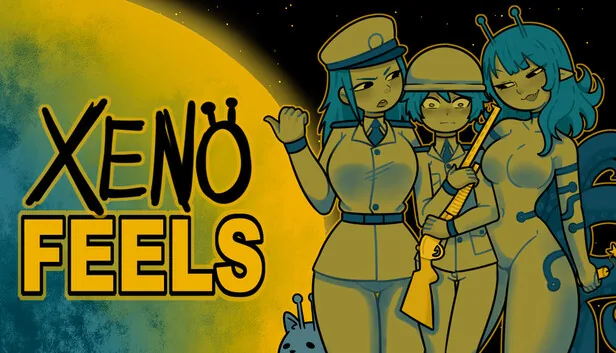
Short answer
No complete public XenoFeels voice-actor list is confirmed
The safest answer to the search XenoFeels voice actor is that a complete, first-party cast list has not been published in the public source trail documented for the game. Steam identifies KotaMota Games as the developer and publisher, while the team’s public profiles describe Kota and Mota working together. Those records establish a team credit. They do not name a separate actor for every visitor, announcer, radio line, or sound role.
That distinction matters because fan posts often turn a recognizable voice, a username, or a reposted clip into a firm credit. A voice can be performed by a team member, a guest, a temporary demo contributor, or an uncredited asset source. Without a first-party announcement, in-game credits screen, soundtrack note, or developer statement, the responsible description is public audio credit not fully disclosed.
This page therefore answers two questions separately: what can be attributed to the KotaMota Games project, and what cannot yet be assigned to an individual. It also gives a repeatable way to check a future Steam update or creator post without treating a search snippet, APK mirror, wiki stub, or social repost as proof.
On this page
What the public XenoFeels credits actually confirm
The strongest public identity record is the official Steam product page for app 4293910. It connects XenoFeels to KotaMota Games in both the developer and publisher fields. The official Steam community group and creator-run supporter profile use the same shared team identity and describe two creators, Kota and Mota. This is enough to credit the project to KotaMota Games and to describe the game as a team production.
It is not enough to create a person-by-person audio table. The public source trail does not provide a stable list that says who voiced a particular visitor, who recorded the inspector, who supplied a radio line, or who mixed the final soundtrack. Older clips can also come from a prototype or demo build. The table below keeps the verified boundary visible so a future update can extend it without rewriting guesses as facts.
| Question | Verified answer | Evidence boundary |
|---|---|---|
| Who is credited with the game? | KotaMota Games | Official developer and publisher fields |
| Is a two-person team described publicly? | Yes: Kota and Mota | First-party community and supporter profiles |
| Who is the XenoFeels voice actor? | No complete individual cast list is published | Do not infer a name from a clip |
| Are every visitor and radio line assigned? | Not in the public source trail | Wait for first-party credits |
| Can a fan transcript prove a cast role? | No; it is a lead only | Verify against a developer source |
What official media can and cannot prove about XenoFeels audio
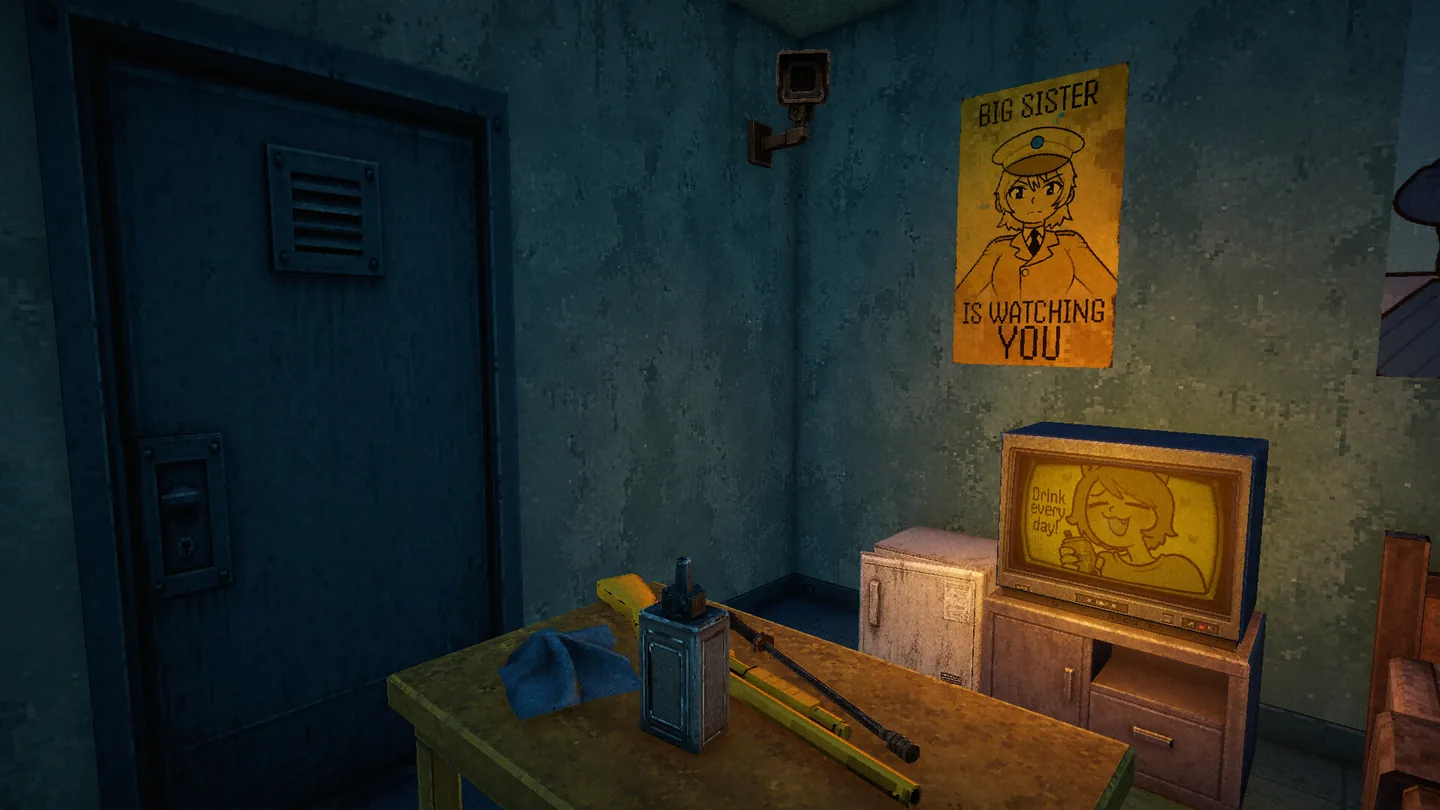
Official screenshots and trailers are useful for identifying the setting, characters, interface and tone of XenoFeels. They can show that a visitor appears on screen, that a radio or checkpoint moment exists, or that a line is part of a public demo clip. They cannot, by themselves, identify the person behind the voice. The visual identity of a character and the production credit for that character are separate facts.
Audio evidence also changes with the build. A prototype may use placeholder delivery, a demo may contain temporary lines, and a final release may re-record or remove a scene. A video title can preserve an old claim long after the store page changes. For that reason, this page treats media as context and treats a named credit, in-game credits screen, or developer announcement as the threshold for an individual attribution.
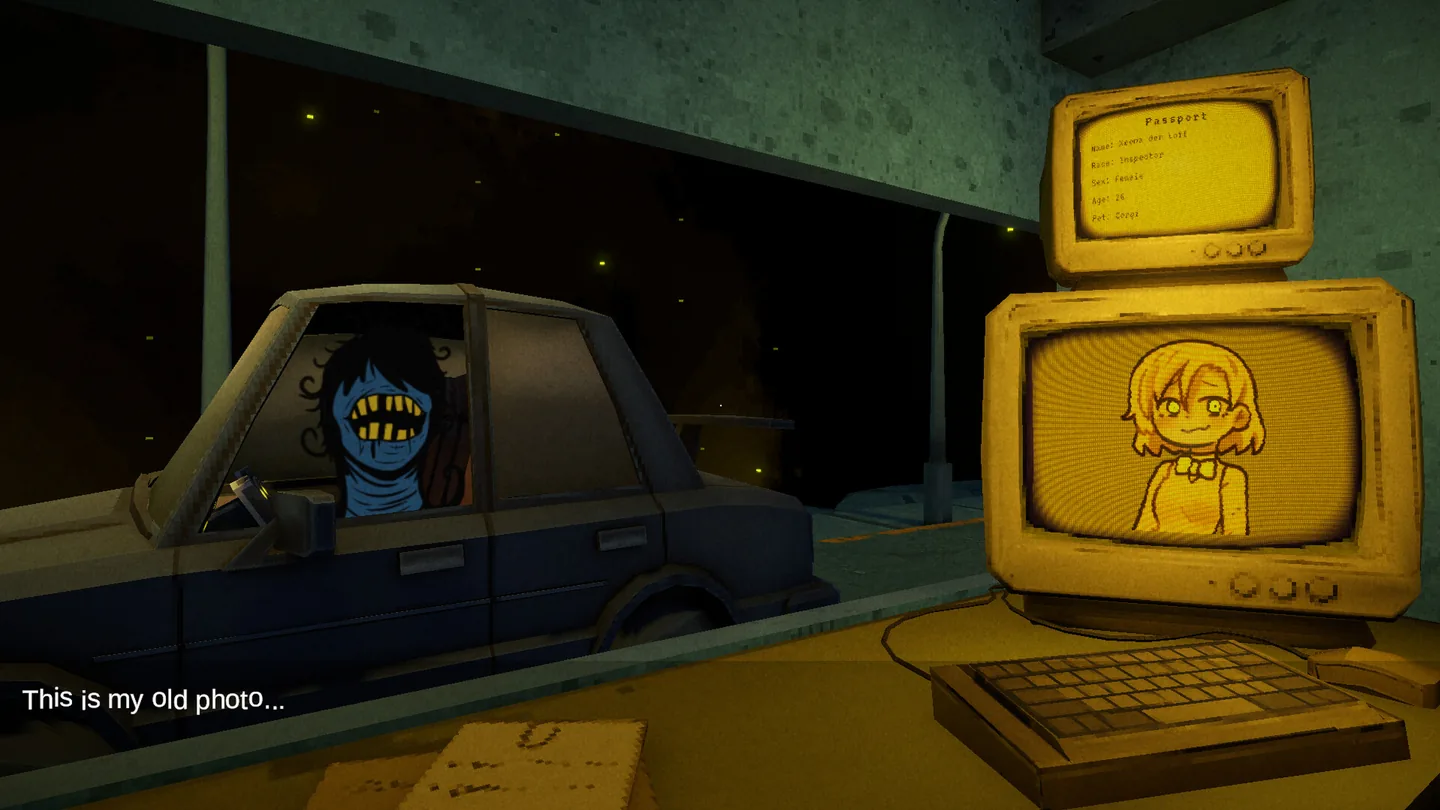
The existing official art still helps readers understand why the question is easy to ask. XenoFeels places expressive visitors, document portraits, surveillance screens and a tense booth in one inspection loop. That gives each voice a strong identity in a clip, even when the public credit trail remains at team level.
Voice is not a visible credit
A line in a trailer can identify a scene, but it does not name the performer without a first-party credit.
Builds can change
Prototype, demo and final audio may differ, so label the build and date before comparing clips.
Team credit stays accurate
Use KotaMota Games for the verified project credit until an official source assigns individual roles.
How to verify a future XenoFeels voice-actor credit
Use the same short source chain whenever a new cast name or audio claim appears.
Start with the live Steam record
Open the official XenoFeels app page and check the developer, publisher, announcements and any newly added credits or soundtrack notes. Save the page date because store information can change.
Look for a first-party statement
Prefer a developer announcement, creator profile linked from an official channel, in-game credits screen, or a clearly named production note. A repost can point you toward a source but cannot replace it.
Identify the build and scene
Record whether the audio came from a prototype, public demo, trailer, announcement, or released build. The same character may have different lines or performers across versions.
Separate a voice lead from a confirmed credit
A fan may recognize a voice or transcribe a line accurately. Keep that observation as a lead until a first-party source names the performer or role.
Update the claim, not the rumor
If a named credit appears, add the exact role, source URL and check date. If it disappears or conflicts with a later credit, preserve the uncertainty instead of choosing the more popular version.
Current public XenoFeels audio-credit status
The current site research supports a verified team credit for KotaMota Games, not a complete individual voice-actor list. The public pages reviewed for the creator identity describe the project team and its visual work, but they do not publish a cast sheet that assigns a person to each visitor, inspector, radio message or soundtrack role.
That is a useful result rather than a missing answer. It tells players where the evidence stops. You can discuss the voices heard in an official clip, compare a demo scene, or note that a character has spoken dialogue. You should not convert that observation into a named biography, a promise that every line is voiced, or a claim that the final release will use the same recording.
When the game receives a new store announcement, credits screen or creator post, this page can be updated with the exact role and date. Until then, the official Steam page remains the correct place to verify the project’s current platform and announcements, while this guide keeps the audio boundary explicit.
XenoFeels voice-actor FAQ
First-party source trail checked
- XenoFeels on Steam - Primary developer, publisher, platform, announcement and media record.
- KotaMota Games Steam community group - First-party team identity used to confirm the public creator name.
- KotaMota Games Patreon - Creator-run supporter profile used as a team-identity lead, not a cast sheet.
- XenoFeels artist and developer guide - Site page that records the existing source boundary around individual production roles.