Short answer
The verified XenoFeels creator credit is KotaMota Games
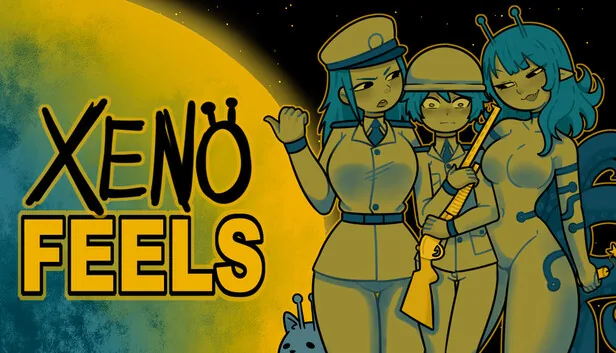
If you search for the XenoFeels artist, the safest answer is KotaMota Games. Steam lists KotaMota Games as the developer and publisher, while the team's public community and supporter pages refer to two creators, Kota and Mota. Those first-party pages support the team identity, but they do not provide a stable formal credit sheet assigning every discipline to one person.
That means it is reasonable to credit the game's art and development to the KotaMota Games team. It is not reliable to claim that one named member alone drew every character, programmed every system, or wrote every scene unless a future official credit list says so.
On this page
What the official credits actually confirm
The Steam product page is the strongest public record because it ties the studio name directly to app 4293910. It identifies KotaMota Games in both the developer and publisher fields. The official Steam community group describes the project as work by two authors, and KotaMota's public supporter page uses the same shared team identity.
The public record is less specific about individual production roles. Search snippets, reposts, fan pages, and adult-content mirrors often attach a single artist name without showing a first-party credit. This guide therefore separates confirmed team attribution from unconfirmed role guesses.
| Question | Verified answer | Confidence |
|---|---|---|
| Who developed XenoFeels? | KotaMota Games | Official Steam credit |
| Who publishes XenoFeels? | KotaMota Games | Official Steam credit |
| How many public creators are described? | Two: Kota and Mota | First-party community/supporter pages |
| Who is the sole character artist? | Not formally disclosed | Do not infer from reposts |
| Who handled programming, writing, and audio? | No complete public role split | Wait for official credits |
What makes the XenoFeels art style recognizable
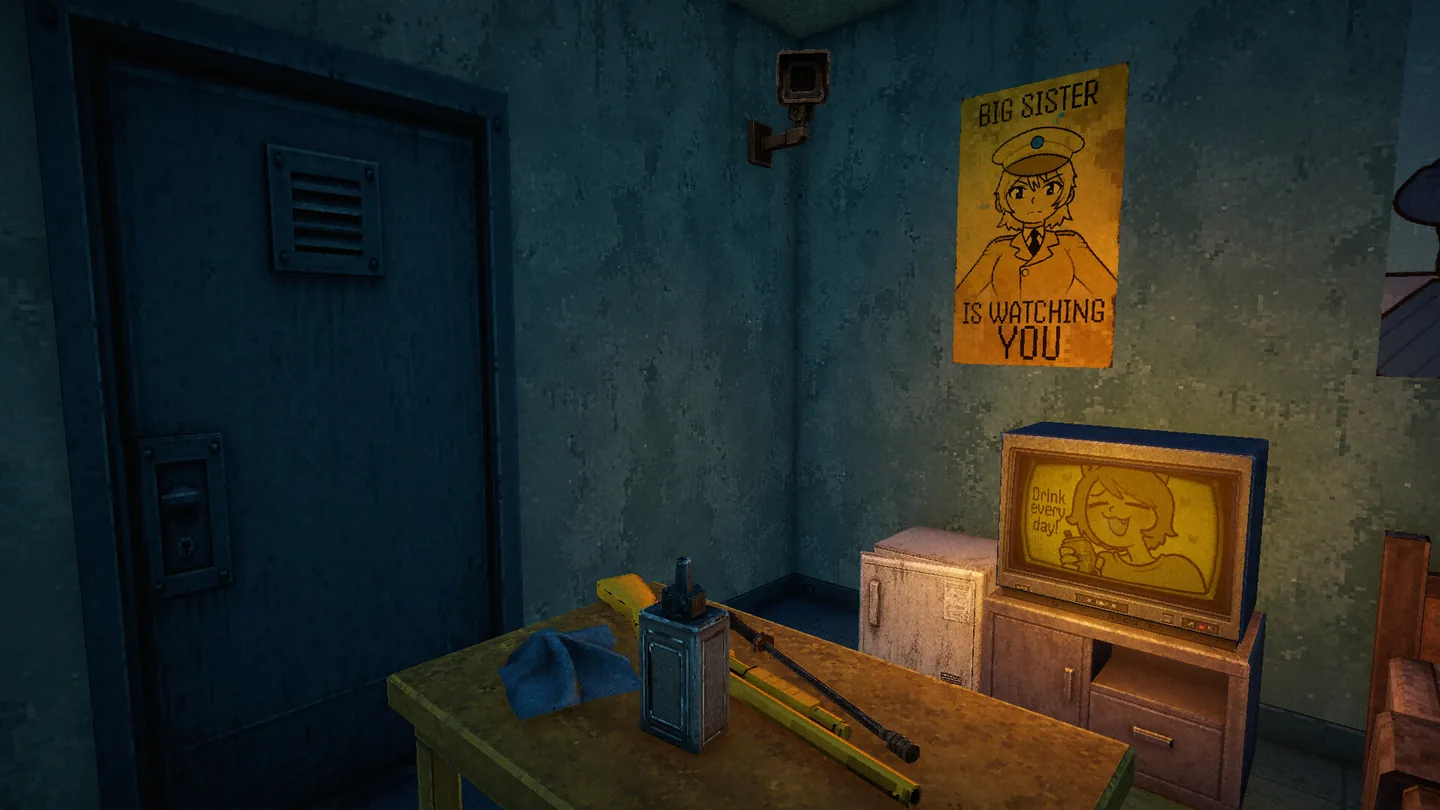
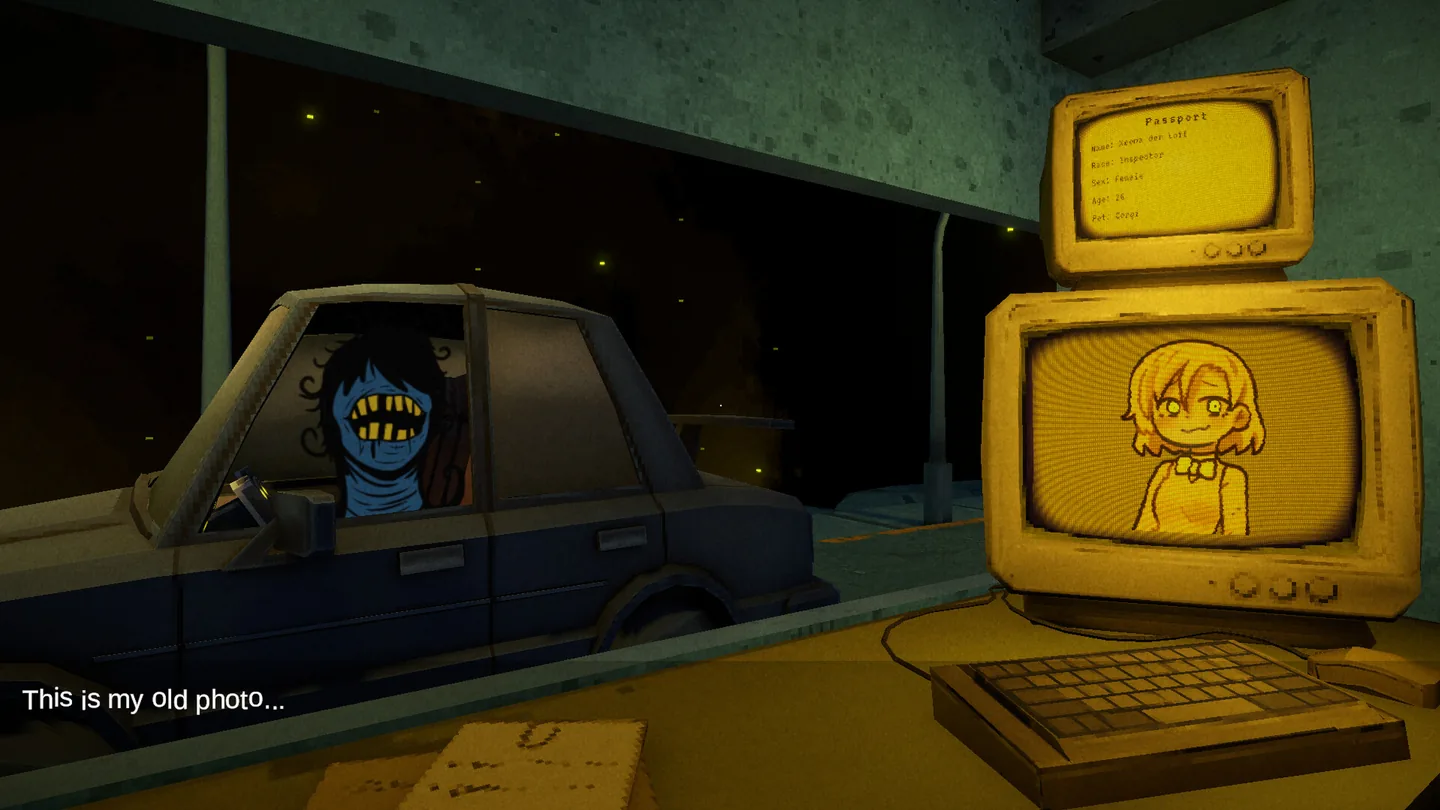
XenoFeels combines a grimy three-dimensional inspection booth with bold two-dimensional character drawings. The contrast is functional as well as visual: documents, portraits, posters, screens, and visitor details become evidence inside a darker industrial space.
The character art uses simplified shapes, thick outlines, limited color families, and expressive faces. The environment uses worn metal, dirty glass, dim lighting, analog equipment, and surveillance imagery. Together they create a comic-book identity without making the checkpoint feel clean or harmless.
Graphic character silhouettes
Clear outlines and readable facial expressions make visitors memorable and help visual comparison.
Industrial checkpoint atmosphere
Muted lighting, security devices, paperwork, and worn surfaces create pressure around every inspection.
2D and 3D contrast
Illustrated portraits and posters sit inside a textured 3D workspace, reinforcing the game's evidence-checking loop.
How to verify a XenoFeels artist or developer account
Use a short source chain before trusting an account, credit claim, commission page, or download link.
Start with the Steam app
Confirm that the page is Steam app 4293910 and that KotaMota Games is shown in the developer and publisher fields.
Follow links from first-party profiles
Prefer accounts linked by the studio's Steam group, supporter page, or established creator profile rather than a username copied by an aggregator.
Separate team credit from individual roles
A team name can be verified even when the exact artist-programmer-writer division is not public. Do not turn a plausible guess into a biography.
Treat mirrors as discovery, not proof
Reposts, wiki stubs, galleries, APK pages, and social mirrors can surface keywords, but they are weak evidence for creator identity or official files.
Current XenoFeels release and demo status
Checked on July 22, 2026: the official Steam page still lists the full Windows game for 2026 and does not show a released full-game version number, price, file size, or stable direct installer. A Steam announcement dated July 15 said the public demo would be removed, and the live main store page no longer presents a demo install button.
No official Google Play listing, Android package name, APK file, or first-party mobile release was found. Download buttons should therefore point to the official Steam product page, not to a guessed executable, temporary CDN URL, or APK mirror.
XenoFeels artist and developer FAQ
Official sources checked
- XenoFeels on Steam - Primary developer, publisher, platform, release-window, screenshot, and live availability record.
- KotaMota Games Steam community group - First-party team description and community identity.
- KotaMota Games Patreon - Creator-run supporter profile used to confirm the shared KotaMota identity.
- Official demo removal announcement - July 15, 2026 notice explaining that the public demo would be removed.