Quick answer
Can your PC run XenoFeels?
The official Steam listing presents XenoFeels as a Windows PC title planned for 2026 with minimum and recommended requirements. The public demo was announced for removal on July 15, and the current main store page no longer shows a demo download area.
For a smoother target, Steam lists an Intel Core i7 or analogue processor, 8 GB RAM, GeForce 1070 Ti or analogue graphics, and 1 GB of available storage. Treat these specs as the current official store snapshot, not a permanent promise; pre-release games can update their requirements before launch or after demo feedback.
The official Steam page no longer shows a demo download area. Use Steam for the current release status and do not substitute mirrors or archived installers.
System requirements guide
Official XenoFeels Steam status to verify first
System requirement searches often lead to scraped pages, old mirrors, and download sites. Start with the Steam listing because it is the source that can change when the developer updates the demo, release window, supported platforms, or requirement table.

Steam app 4293910
Use for the live release window, current store availability, screenshots, discussions, and system requirements; the demo install button is no longer shown.
Planned 2026 release
Steam currently labels the game with a planned release date in 2026, so exact price, final launch timing, and final build details may still change.
Demo removed from current store
The official Steam page no longer shows a demo download area. Use Steam for the current release status and do not substitute mirrors or archived installers.
XenoFeels minimum and recommended system requirements
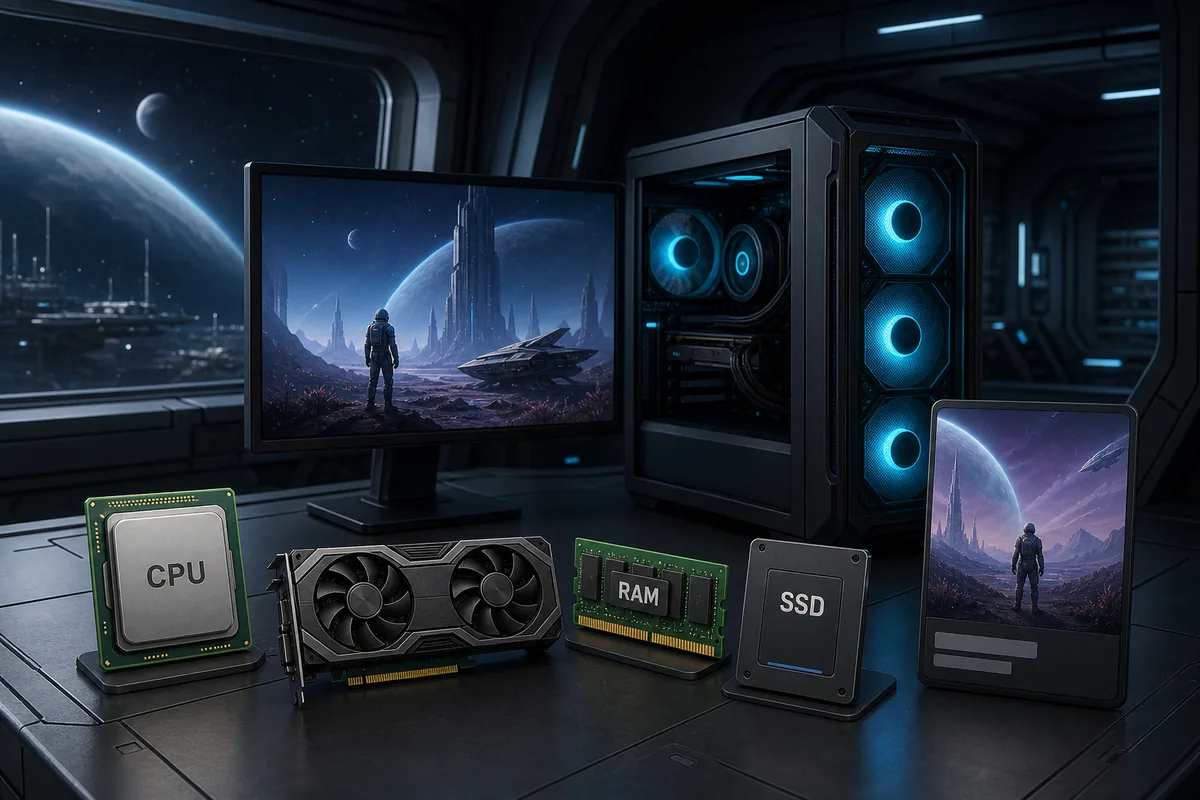
The table below keeps the official Steam fields readable in one place. Use the minimum column as the lowest target for launching the game and the recommended column as the safer target if you want fewer performance compromises.
| Requirement | Minimum | Recommended | What it means |
|---|---|---|---|
| OS | Windows OS | Windows OS | XenoFeels is presented as a Windows PC Steam title. |
| Processor | Intel Core i3 or analogue | Intel Core i7 or analogue | CPU demand appears accessible, but a stronger processor gives more room for updates and background tasks. |
| Memory | 4 GB RAM | 8 GB RAM | 8 GB is the safer baseline for modern Windows gaming, especially while Steam, browser tabs, or capture tools are open. |
| Graphics | GeForce 1050 or analogue | GeForce 1070 Ti or analogue | A dedicated GPU is listed. Integrated graphics may work only if the final build is lighter than the listed target. |
| Storage | 500 MB available space | 1 GB available space | The listed install size is small, but leave extra room for demo updates, saves, screenshots, and Steam cache. |
How to check whether your setup is ready
Specs are useful only when you map them to the PC you actually use. Before installing the demo, check these practical points so you know whether a problem is hardware, Windows, drivers, or an unfinished pre-release build.
Compare your GPU against the listed class
If your card is close to a GeForce 1050, start with conservative settings and close recording software. If it is closer to or above a GeForce 1070 Ti, you have more room for higher settings once the final game exposes them.
Use 8 GB RAM as the practical comfort target
The 4 GB minimum may launch the game, but modern Windows overhead can make that tight. If your PC has 8 GB or more, the demo should have more stable breathing room.
Leave more storage than the store minimum
The Steam listing is small, but store requirements are not the same as a perfect disk budget. Keep at least a few extra gigabytes free for Steam updates, shader caches, screenshots, and logs.
Update graphics drivers before judging performance
If the demo stutters or fails to launch, update your GPU driver and Windows patches before assuming the game is incompatible. Early builds can be sensitive to driver state.
Separate demo issues from final-release expectations
A demo can be older or narrower than the full game. If you hit bugs, verify the Steam discussion area and update notes before making a final buying decision.
Safe XenoFeels demo and download guidance
Because XenoFeels is a Steam PC game with pre-release interest, download-intent searches can attract unsafe mirrors. Use this simple decision table before installing anything.
| Search result | Use it? | Reason |
|---|---|---|
| Official Steam page | Yes | The official Steam page no longer shows a demo download area. Use Steam for the current release status and do not substitute mirrors or archived installers. |
| SteamDB app record | For context only | Useful for metadata tracking, but it is not where you install the game. |
| APK or mobile download site | No | No official mobile release is verified here; APK pages can be unrelated or unsafe. |
| Crack, repack, key generator, or password archive | No | These are common malware and phishing patterns and do not help you verify the real Steam game. |
XenoFeels system requirements FAQ
Sources and verification points
- Official XenoFeels Steam page - Use for the live release window, current store availability, screenshots, discussions, and system requirements; the demo install button is no longer shown.
- SteamDB XenoFeels app record - Secondary metadata reference for Steam app tracking.
- XenoFeels Demo SteamDB record - Demo app tracking context; use Steam for actual installation.