Short answer
Who are the XenoFeels characters right now?
The verified XenoFeels character structure is role-based: you play a checkpoint inspector, while a queue of alien visitors, drivers, possible impostors, and other suspicious entrants presents documents, vehicles, dialogue, and physical clues. Official screenshots also show a uniformed female figure in checkpoint propaganda and monitoring imagery, but the current public store material does not provide a complete named cast list.
That distinction matters. A useful XenoFeels characters guide should explain what each visible role does in an inspection without inventing names, relationships, endings, or case answers that the developer has not confirmed. Treat every visitor as a case with layered evidence, not as a permanent good or bad character based on appearance alone.
The main XenoFeels characters and visitor roles
The public demo is built around functional roles rather than a published encyclopedia of names. These are the categories a player can verify from the store description, screenshots, trailer, and playable inspection loop.
The checkpoint inspector
This is the player's role. The inspector reads the active rules, compares identities, checks dates and permits, reviews vehicles or cargo, and approves or rejects entry.
Key question: Can the decision be explained with a rule and evidence?
Alien visitors
Visitors arrive with different bodies, portraits, origins, purposes, and behavior. Their unusual design is not automatic proof of wrongdoing.
Key question: Do the visitor, photo, species details, dates, and stated purpose agree?
Drivers and vehicle cases
Some characters arrive with vehicles, adding plate, scan, cargo, and hidden-object evidence to the personal document check.
Key question: Does the car support or contradict the driver's story?
Impostors and high-risk entrants
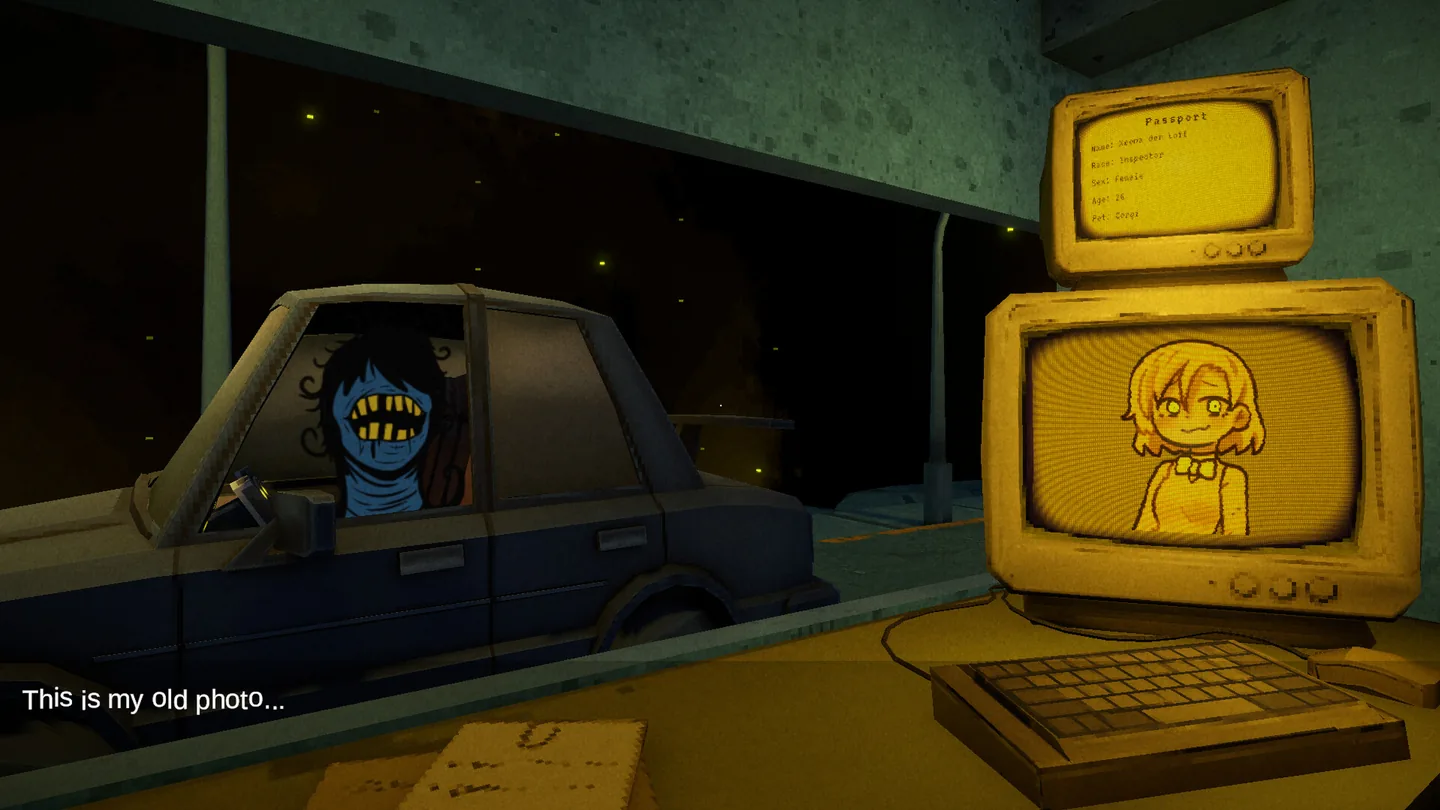
Official media shows a dramatic mismatch between a visitor's current face and the portrait on the checkpoint monitor. That is a concrete identity conflict, not merely a suspicious mood.
Key question: Which exact visual or document field fails to match?
How impostor clues work in XenoFeels
A character clue becomes useful only when it can be compared with another source. The strongest official example is a visitor whose visible face differs from the stored portrait. The screenshot also includes a line about an old photo, which signals a possible explanation, but dialogue should not erase the mismatch automatically.
Use a layered check. Start with the current rules, then compare the body and portrait, identity fields, species or origin, date validity, visit purpose, vehicle information, and scan or cargo results. A strange face may start the investigation; the final decision should rest on the complete evidence stack.
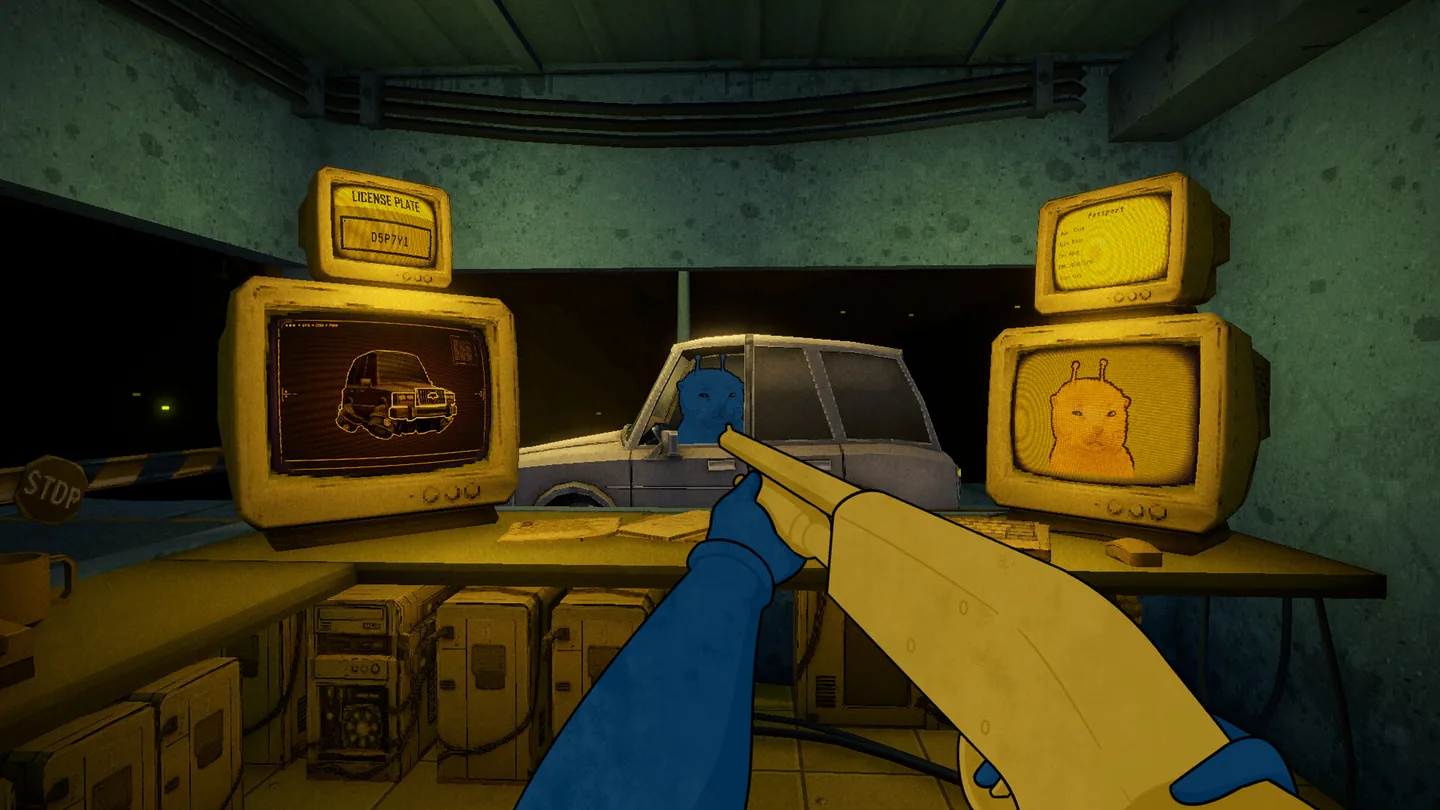
- Compare the live face and stored portraitLook for shape, feature, color, or species differences before accepting an excuse.
- Read the document as a wholeA matching photo does not repair an expired date, wrong identity, invalid species, or prohibited purpose.
- Add vehicle evidencePlate, cargo, scanner, and hidden-object clues belong to the same character case.
- Name the final reasonBefore approving or rejecting, state the exact contradiction or the reason the evidence is clean.
The inspector, commander imagery, and checkpoint authority
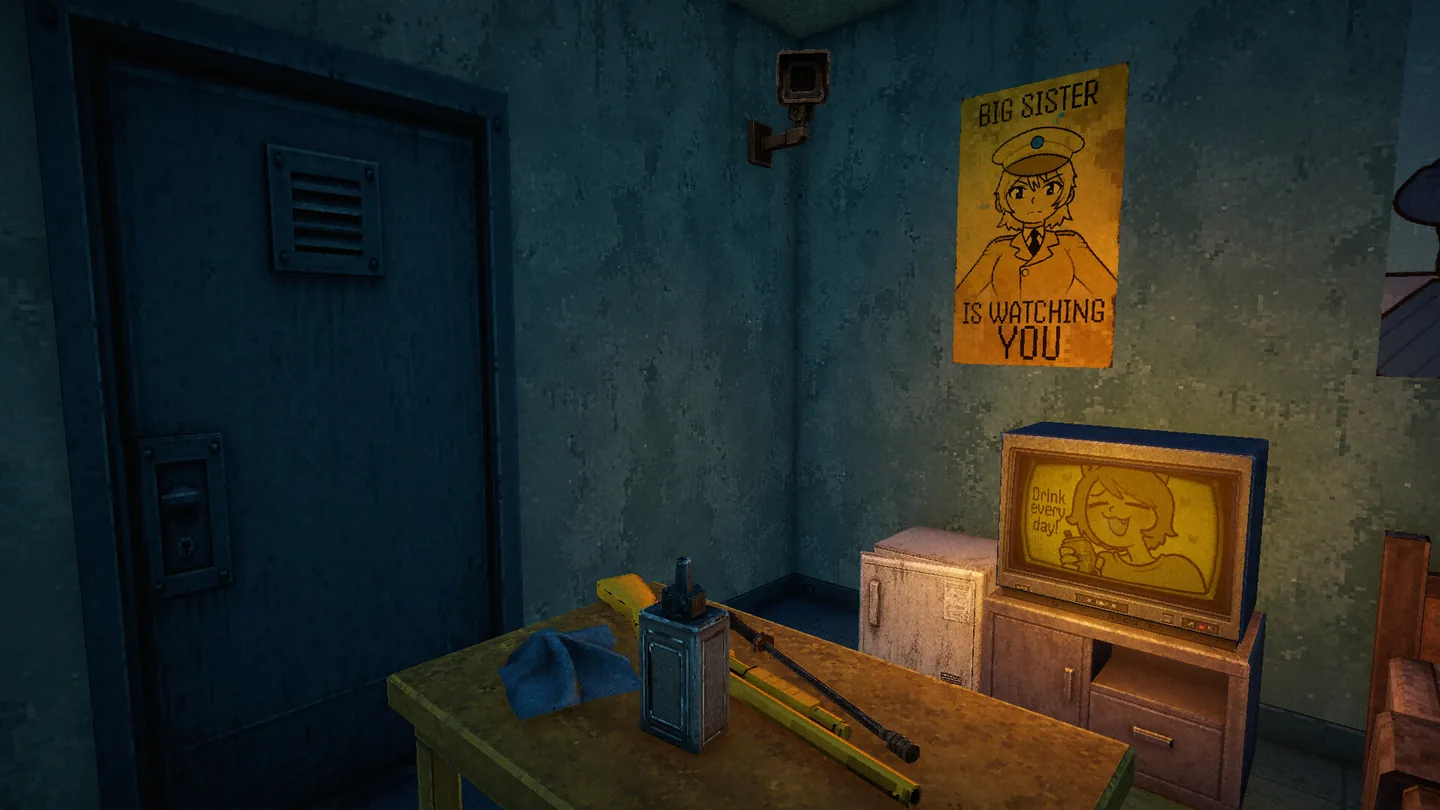
Official screenshots show a heavily monitored checkpoint and a poster reading that a big sister is watching. Another screen depicts a uniformed woman. These images establish the tone of surveillance and authority, but they do not yet prove a complete biography, official name, or relationship for that figure.
For players, the practical role is clear: the inspector works inside a system that expects consistent decisions. Cameras, warning signs, weapons, and propaganda raise the pressure, yet the safest play remains evidence-first. Do not turn the uniformed figure into a named commander or story villain unless a first-party update confirms it.
What each XenoFeels character role changes during inspection
Use this table as a spoiler-light decision map rather than a list of fixed case answers.
| Role | Reliable evidence | Common mistake | Best response |
|---|---|---|---|
| Inspector | Active rules and the complete case record | Stamping before stating a reason | Use the same inspection order every case |
| Ordinary visitor | Matching identity, valid dates, allowed purpose | Rejecting because the alien looks unusual | Approve only after all required layers agree |
| Driver | Documents plus plate, cargo, scan, and vehicle condition | Ignoring the car after checking the passport | Treat the vehicle as another document |
| Possible impostor | Portrait/body mismatch or another explicit identity conflict | Relying only on nervous dialogue | Investigate, compare, then decide from evidence |
| Uniformed authority figure | Official screens, posters, and future developer bios | Inventing a name or story role | Keep the description factual until confirmed |
XenoFeels character roster and update status
The public demo was previously playable, but Steam announced its removal on July 15, 2026 and the current main store page no longer offers the install button.
This page therefore separates confirmed roles from open questions. A new screenshot can confirm a visual design, but only a developer bio, release note, store description, or in-game text should be used to lock a name or relationship.
Confirmed platform path
Removed from the current Steam store page
Release label
The Steam store currently says 2026 without a verified exact date.
Character names
No complete first-party named roster was available in the checked store data.
Update method
Use for the live release window, current store availability, screenshots, discussions, and system requirements; the demo install button is no longer shown.
XenoFeels characters FAQ
Official sources and verification points
- Official XenoFeels Steam page - Use for the live release window, current store availability, screenshots, discussions, and system requirements; the demo install button is no longer shown.
- Official Steam community announcements - Used to check active development and recent first-party update context.