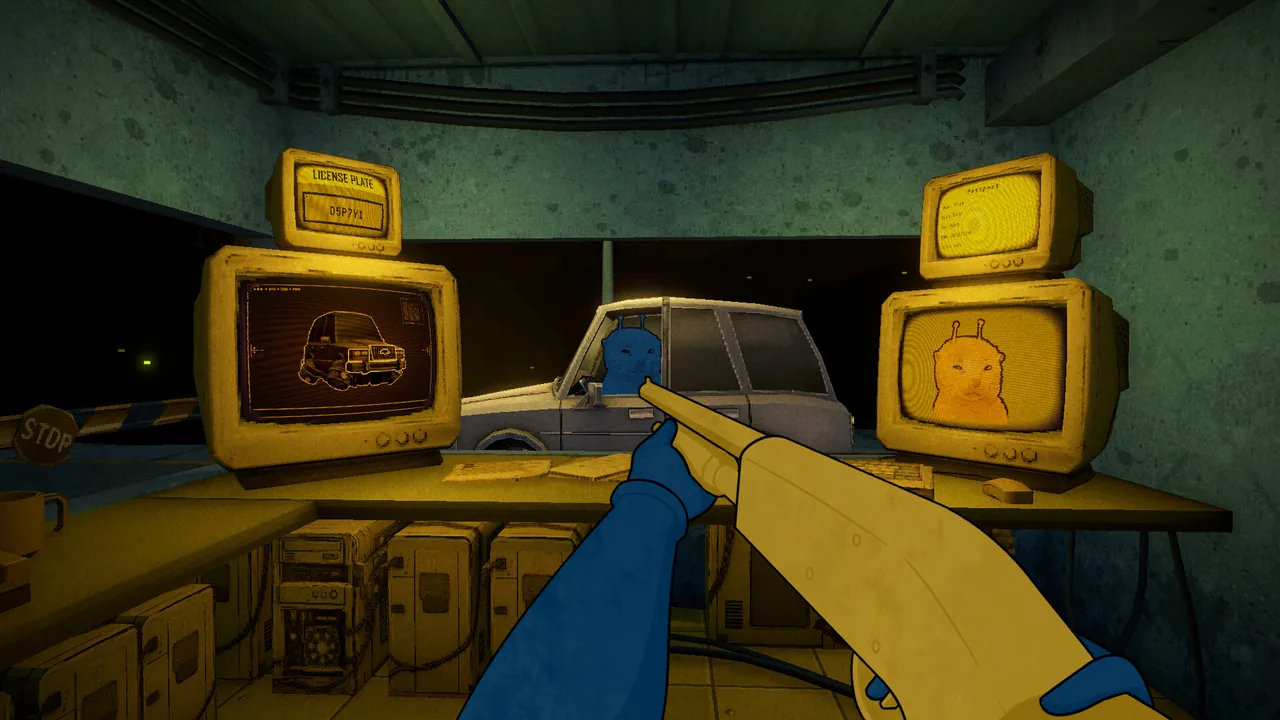
XenoFeels walkthrough
The practical XenoFeels walkthrough answer
The safest walkthrough is procedural: read the active rule sheet, verify identity and dates, compare the visitor with the portrait, inspect any vehicle or cargo, then approve or deny only after the evidence agrees. Speed matters less than consistency.
The playable Steam demo is not the finished game. It can show consequences and an endpoint, but it does not prove every future branch or a single true ending. This guide separates repeatable inspection decisions from story details that may change before release.
XenoFeels walkthrough sections
What this walkthrough covers
Use the table as a spoiler-light route map for a clean first run.
| Stage | Check | Walkthrough rule |
|---|---|---|
| Before a shift | Read every active rule and note new restrictions before opening the checkpoint. | Do not rely on the previous day. |
| Visitor check | Match portrait, name, origin or species clues, purpose and dates. | One contradiction is enough to stop and recheck. |
| Vehicle and cargo | Compare plate, driver, manifest and scanner evidence. | Treat vehicle evidence as a separate decision layer. |
| Choice and endpoint | Prefer documented evidence over dialogue pressure. | The demo endpoint is not confirmation of the full-game ending. |
Step-by-step inspection order
This order reduces missed contradictions and stays useful when individual cases change.
1. Read the rules first
Scan the current rule page before each shift. A restriction added today overrides the habit that worked yesterday.
2. Establish identity
Compare the face or body with the portrait, then verify name, origin, species and document validity.
3. Check visit logic
Purpose, duration and supporting permits should tell one coherent story. Pause when dialogue conflicts with paper evidence.
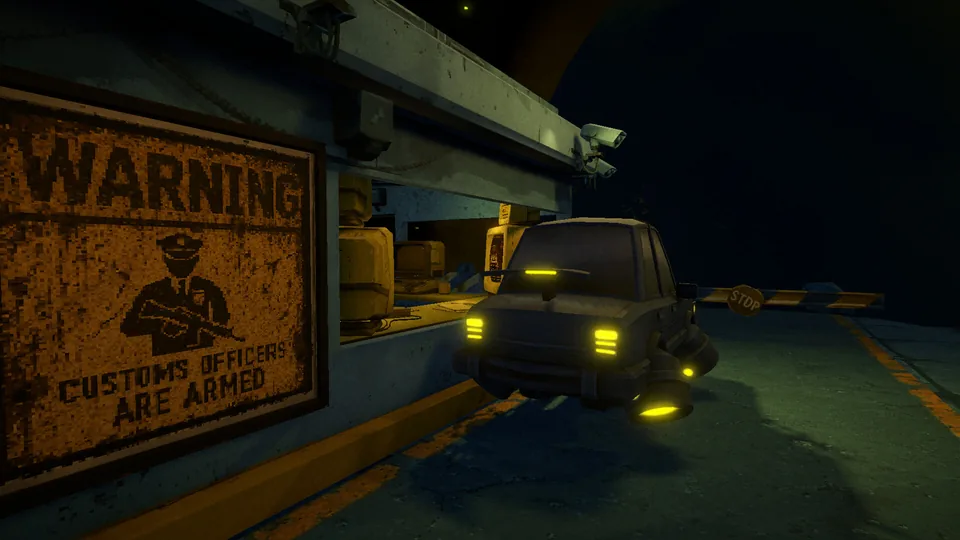
4. Inspect vehicles separately
Check plate, driver, cargo declaration and scanner result before the final approve-or-deny decision.
How to handle dangerous choices
XenoFeels uses pressure and uncertainty to make a simple stamp feel consequential. The reliable strategy is to turn each case into an evidence checklist instead of guessing what the visitor wants.
If a person appears dangerous, including a suspected terrorist or impostor, do not approve them because of urgency, sympathy or dialogue alone. Recheck the rule sheet and every contradiction. The exact later scene may vary by demo build or route.
-
Separate evidence from dialogue
Write down what the documents and scanner prove before weighing the visitor’s explanation.
-
Resolve one contradiction at a time
A mismatched plate, expired date or portrait inconsistency should be investigated before moving on.
-
Choose the defensible action
Approve only when the required evidence aligns; deny when a confirmed rule violation remains.
-
Review the result, not a guessed canon
Use feedback to improve the next case. Do not treat one demo outcome as the final game’s canon ending.
Ending and choice guide: what is verified
The current public information supports a demo walkthrough, not a definitive full-release ending guide.

| Question | Verified boundary | Best action |
|---|---|---|
| Correct ending | No official single true ending for the unreleased full game is confirmed. | Follow the rules and treat the demo endpoint as provisional. |
| Passing a dangerous visitor | A bad approval can create an immediate failure or negative consequence. | Deny when evidence confirms a threat; do not guess from appearance alone. |
| Demo completion | A completed run demonstrates the current build’s available sequence. | Check Steam news after patches because case order or balance can change. |
| Future branches | The store page confirms a 2026 release window, not the final branch count. | Avoid guides that present speculation as a complete ending list. |
XenoFeels walkthrough FAQ
Sources and freshness check
- Official XenoFeels Steam page - Platform, demo availability, 2026 release window and official screenshots checked on July 19, 2026.
- Official XenoFeels Steam news - Official update feed checked on July 19, 2026; the latest verified public demo patch remains July 3, 2026.