
Current answer
Are there official XenoFeels mods?
As of September 19, 2026, no official XenoFeels mod SDK, developer-approved repository, or active Steam Workshop hub was verified for app 4293910. Because the full game is still listed as coming soon, a file claiming to be a finished XenoFeels mod needs extra scrutiny.
Search results already mix XenoFeels with generic cheat pages and a fan-made Minecraft checkpoint map. Those projects may be inspired by the game, but they are not XenoFeels game mods. This guide separates official game support, community creations, trainers, and unrelated projects before you download anything.
A useful mod check starts with the game version and the distribution channel, not with a dramatic file name. Look for a Steam Workshop entry attached to the official app, a developer announcement, or a repository that clearly identifies the target build and installation steps. A trainer, reshade preset, save file, fan map, or Minecraft project can be related to the same idea without changing XenoFeels itself. If a download page hides its file list, asks you to disable security software, or claims that an external launcher is required, stop and return to Steam. Future mod support may appear after release, but it should be verified through the official community and documented with a real version rather than inferred from search snippets. Record whether the file changes game assets, saves, interface settings, or only adds a separate fan project. That small distinction prevents a thematic download from being presented as official XenoFeels mod support.
A reliable mod listing should also explain compatibility, installation, removal, and the files it changes. Compare the claimed build with the Steam app, read comments for reports of broken saves or missing dependencies, and keep a backup before testing anything. A community-made map or trainer can still be useful to fans, but it belongs in a different category from a supported XenoFeels mod. Until the developer or an official Steam channel confirms support, describe these files as unverified community projects rather than promising a finished mod library.
If support is announced later, update the page with the confirmed app version, Workshop or repository URL, installation scope, and removal steps. Do not infer a mod ecosystem from a single fan upload or a search result. The reader needs to know whether a file changes the game, adds a separate map, edits a save, or simply discusses an idea. Clear labels keep the guide useful while the title is still in development.
Guide sections
XenoFeels mod and Workshop status
The September 19, 2026 check still found no verified official Workshop or mod channel. That is a current evidence boundary, not a claim that future support is impossible.
| Candidate | Evidence | Best use |
|---|---|---|
| xenofeels mods | GSC shows a distinct mod-support intent; Similarweb returned no phrase-match or question volume. | New source-check page |
| xenofeels steam / download | Already assigned to the Steam, itch.io, demo, and APK safety pages. | Internal-link anchor only |
| xenofeels rules | Already served by the inspection and how-to-play guides. | Support section, not a new page |
| xenofeels fanart / secrets | Demand is too small or ambiguous for a separate page. | FAQ or future section |
Sources checked on September 19, 2026
Because mod downloads can contain executables or scripts, this page checks first-party status before discussing community files.
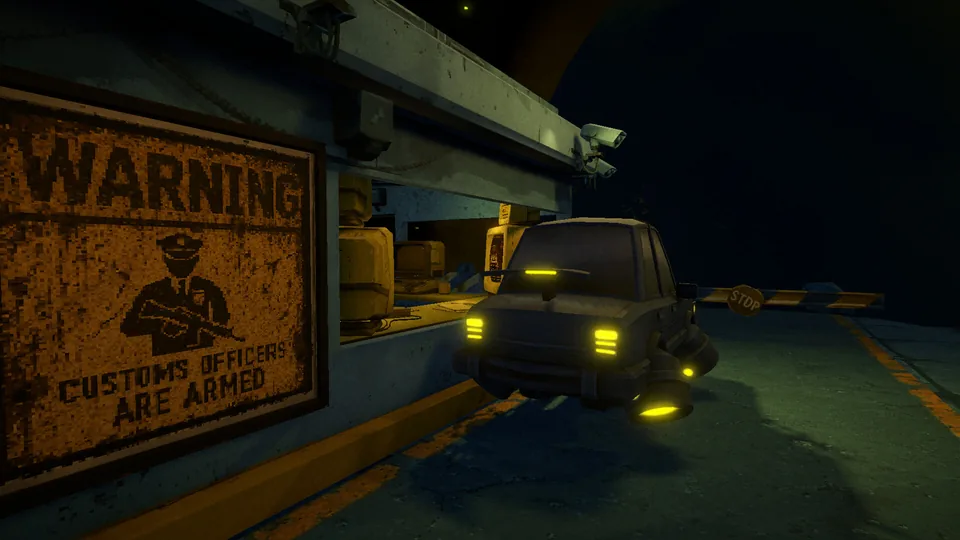
Official Steam app
App 4293910 is a Windows game with a 2026 release window and no public version number or stable installer exposed by the store API.
Steam community surfaces
No verified Workshop hub or developer-linked mod repository was found from the official app path.
Search results
Freshness check: no official mod SDK, Workshop hub, stable version number, or direct mod download was verified; no invented file or version fields were added.
How to verify a claimed XenoFeels mod
Treat every file as unverified until the developer or an established community channel connects it to the current game build.
-
Start from the official game page
Confirm the game is released, note the current build context, and check developer news or community announcements.
-
Identify the file type
A real mod should explain what it changes, which build it supports, where files go, and how to uninstall it.
-
Check provenance
Prefer a developer-linked repository or a transparent community page with author history, changelog, hashes, and discussion.
-
Back up first
Copy saves and configuration before replacing files, then test one change at a time.
Unsafe XenoFeels mod download signals
A search result using the word mod is not evidence that the file belongs to XenoFeels.

| Signal | Why it matters | Action |
|---|---|---|
| Password-protected archive | It blocks normal scanning and often hides bundled software. | Do not download |
| Trainer or Cheat Engine table | This modifies memory and is not the same as an official mod. | Avoid unless you fully understand the risk |
| No supported build listed | A file may target a demo, another game, or an outdated build. | Wait for verifiable compatibility |
| Claims of official APK or crack | No official mobile build or mirror is verified by this site. | Use Steam only |
XenoFeels mods FAQ
Sources and verification points
- Official XenoFeels Steam page - Live first-party source for release, platform, news, screenshots, and community links.
- XenoFeels Steam community - Check for future developer announcements, guides, discussions, or Workshop access.
- Steam Store API check - Checked 2026-07-23; the game is marked coming soon for Windows with a 2026 release window.